A little motion. A whole new feeling.

Your artwork,in motion.

Animate artwork from a single painting or illustration. Choose a small movement, describe it in words, and prepare for a silent 5-second 720p video. A quiet glance. Waves finding the shore.

Example preview
Original artwork
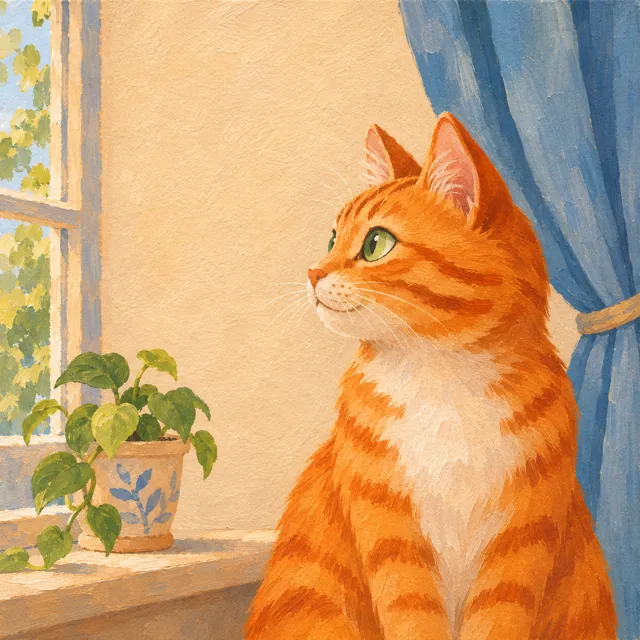
Painted orange tabby beside a sunlit window and a potted plant — Original artwork
Animated result

A character turns to meet you

Prepared example, not an output from the current site generator.

Example details
Prompt used
The orange cat immediately turns its head from the left profile to look directly at the viewer, completing the clear head turn during the first two seconds. Its green eyes follow the turn, then it blinks once and holds eye contact. Keep the seated body and background still. Preserve the same orange tabby markings, white chest, rounded face and painted gouache texture. Locked camera, no zoom, no cuts.
Download this input Use this example
Source

Source: OpenAI illustration · Wan2.2 Turbo on Fal · Prepared for Animate Artwork

Original illustration created with OpenAI Image Generation. Video prepared independently with Wan2.2 Turbo on Fal; this is a motion study, not a result from the current site generator.
Still art. New possibilities.

A few studies in movement. Start with a scene that speaks to you.

Make something move.

Choose an example or upload your artwork, then describe the motion.

Sign in to create and save your work.

Creation preview

See your idea take shape.

Choose an example to preview its motion, or add your artwork. Your own animation will appear here after generation.

How to animate artwork, one small motion at a time.

  1. Choose your artwork

    Start with one JPG or PNG up to 4 MB. Choose a painting or illustration you own or have permission to animate, with a clear subject and visible details.

  2. Find the right motion

    Choose portrait, landscape or atmosphere motion. Describe what moves, its direction and pace, and what stays still. Keep the first artwork animation focused on one action.

  3. Preview your animation

    When generation is available, review the full silent 5-second 720p clip before saving the private download. Compare faces, edges and texture with your original artwork.

Find the right motion for your artwork

Animate portraits with a small gesture 

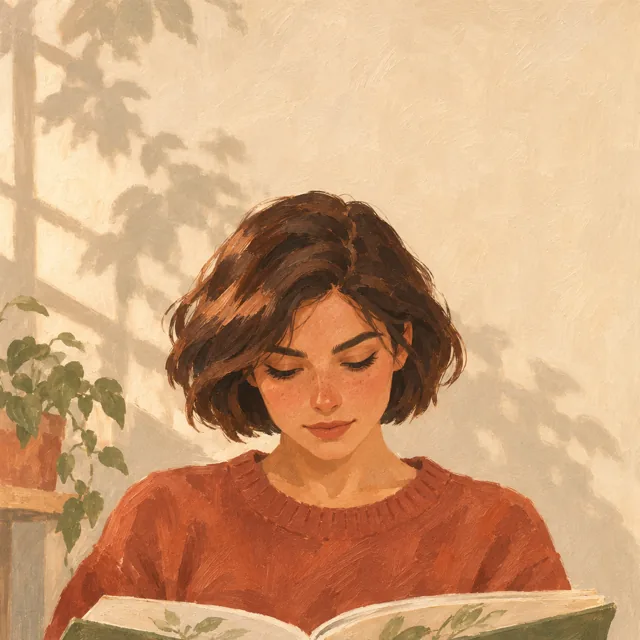
Start with a visible face and one blink or a little hair movement. Small actions ask the model to invent less unseen detail. Read the portrait guide for likeness checks.

Animate landscapes with water, clouds or wind 

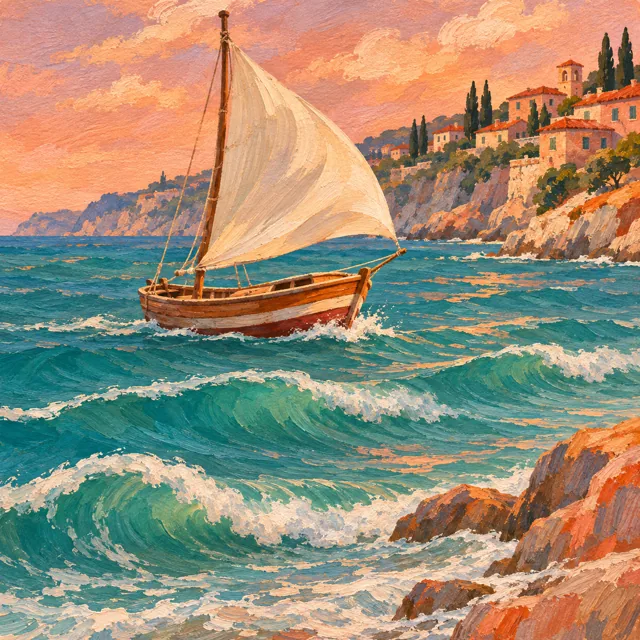
Turn a painting to video by moving one layer of the scene. Keep the horizon and buildings fixed while ripples travel across water or clouds drift through the sky.

Write artwork motion prompts for quiet scenes 

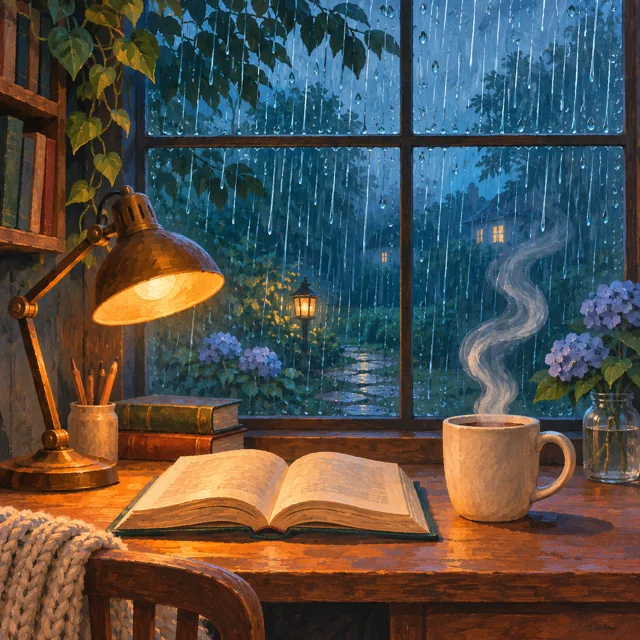
For an illustrated room, describe steam rising from a cup or rain moving outside a window. The prompt guide shows how to separate the action, fixed details and camera instruction.

Know the limits before you begin

A prompt cannot lock the original pixels

AI artwork animation may change faces, brushwork or outlines. Animate Artwork is suited to exploring motion when some variation is acceptable. Exact likeness and unchanged composition are not guaranteed.

A short visual clip, with a clear scope

The intended output is a silent 5-second 720p video. It does not include music, narration or lip sync. A seamless loop is not guaranteed; check the first and last frames before repeating it.

Prepare now; check availability before generating

Check the editor for current generation availability and pricing for purchase availability. You can also explore the prepared studies and plan how to animate artwork. These independent studies do not establish the current generator’s quality.

A little room to create.

See the current availability, trial conditions and one-time video pack for artwork animation. Check successful-video credits and their validity before purchasing.

View plans

Good to know

How do I animate artwork into a video?

Choose an artwork or try an example, then describe how it should move. The intended output is a five-second, silent 720p video to preview and download.

Which artwork files can I use?

Use one JPG or PNG image up to 4 MB. Upload your own artwork or an image you have permission to use. You must confirm that permission before creating a video.

Can I choose how my painting moves?

Yes. Start with an example or add a motion suggestion, then edit the prompt to describe one clear action, such as a head turn or waves rolling ashore. AI results vary; review the full clip before sharing.

Will the animation preserve every detail of my artwork?

AI animation can change faces, brushstrokes and fine details between frames. Exact preservation is not guaranteed. Review the full video before sharing it, especially when a particular likeness or detail matters.

Does the generated video include music or sound?

No. The current output is a silent five-second 720p video. Music, speech and sound effects are not included.

What can I try for free, and when do I sign in?

The recorded examples are free to watch. When the free trial is available, you can create 1 preview without an account; sign in to download the full video. The tool shows whether generation is available. A one-time pack is $4.90 for 3 successful videos, with credits to use within 90 days of payment. Sign in before purchasing.

Animate Artwork

Your next scene starts here.

Create a silent five-second video from your artwork. Purchases are not open yet.